
By Abiola Samuel – Soundville and Consult Ltd (www.soundville.com.ng)
Introduction
If you’ve ever attended a live concert, conference, or church service where the sound felt perfectly balanced — every voice clear, every instrument defined — there’s one device quietly working behind the scenes to make it all happen: the audio mixer.
An audio mixer (also called a mixing console or soundboard) is the heart of any sound system. It’s where all your sound sources — microphones, instruments, media players — come together to be shaped, balanced, and sent to speakers or recording devices.
Whether you’re an aspiring sound engineer, a church technician, or a musician trying to understand your setup, this guide breaks down the basics of audio mixers in a clear, beginner-friendly way.
What Exactly Is an Audio Mixer?
Think of a mixer as a control center for sound. It allows you to take multiple audio signals, adjust their levels, tone, and effects, then blend them into a harmonious output.
Here’s a simple example:
At a church, you might have a pastor’s microphone, a choir mic, a keyboard, and a drum kit. Each of these sound sources enters the mixer separately. The sound engineer then uses the mixer to:
- Adjust volume (so the pastor isn’t drowned out by the drums),
- Add warmth to the vocals, and
- Send a balanced signal to the speakers.
In short, the mixer ensures that what the audience hears is polished, clear, and professional.
The Main Types of Audio Mixers
1. Analog Mixers
These are traditional, hardware-based mixers with physical knobs and sliders. They’re loved for their tactile control and warm sound.
- ✅ Advantages: Affordable, intuitive, reliable.
- ⚠️ Limitations: Fewer built-in effects, no digital recall, bulky for large setups.
Example: Yamaha MG series, Allen & Heath ZED series.
2. Digital Mixers
These mixers convert analog signals into digital data, allowing for advanced processing and recall of saved settings.
- ✅ Advantages: Compact, memory presets, built-in effects, remote control via tablet.
- ⚠️ Limitations: Slight learning curve for beginners.
Example: Behringer X32, QSC TouchMix, Yamaha TF series.
3. Powered Mixers
These include built-in amplifiers, allowing direct connection to passive speakers. They’re ideal for small setups where simplicity matters.
- ✅ Advantages: All-in-one design, fewer components needed.
- ⚠️ Limitations: Limited flexibility and scalability.
Example: Yamaha EMX series.
Understanding the Mixer’s Layout
Although mixers vary in design, most follow a similar structure. Let’s look at the main sections:
1. Input Channels
Each sound source (like a microphone or instrument) gets its own input channel.
- Gain knob: Controls how much signal enters the channel.
- Equalizer (EQ): Adjusts the tone — for example, reducing harsh highs or adding warmth to vocals.
- Pan knob: Moves sound left or right in the stereo field.
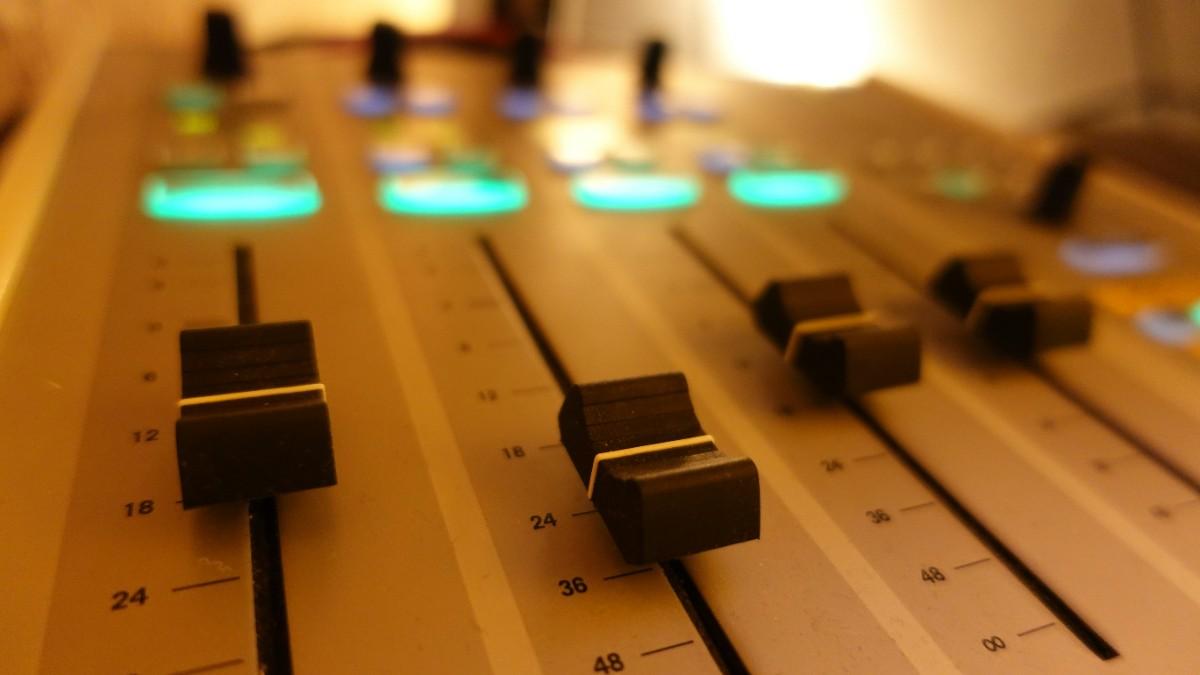
- Fader: Controls the channel’s overall volume.
2. Auxiliary Sends (AUX)
These send parts of the signal to external effects units or stage monitors. For instance, musicians on stage might hear a custom mix through AUX outputs.
3. Master Section
This is where all mixed signals combine before going to the speakers or recording system. The main fader controls the total output level.
4. Effects Section
Many mixers include built-in digital effects like reverb, delay, or chorus to enhance sound quality.
Signal Flow: How Sound Travels Through a Mixer
Understanding signal flow helps you troubleshoot problems and mix with confidence.
Here’s the basic path:
Input → Gain → EQ → Aux Sends → Pan → Fader → Main Output
In practice, this means the signal from your microphone enters the mixer, is adjusted for tone and volume, possibly sent to effects or monitors, and then sent out to the main speakers.
Tips for Beginners: Getting the Best Sound
- Start with Proper Gain Staging
Set the gain so that your input signal is strong but not clipping (distorting). The “Peak” light should barely flash on loud moments. - Balance First, EQ Later
Focus on volume levels before adjusting EQ. Many beginners overuse EQ when simple level balancing would solve the issue. - Use Panning for Space
Spread instruments left and right to create a natural stereo feel instead of everything sounding centered. - Mind Your Effects
Reverb and delay can add depth — but too much can make your mix muddy. - Always Monitor with Headphones
Good headphones help you detect hums, distortion, or signal loss before the audience does.
Analog vs. Digital Mixers: Which Should You Choose?
For beginners or small venues, analog mixers are great — simple, affordable, and hands-on.
For larger installations, houses of worship, or event venues, digital mixers are worth the investment. They offer flexibility, remote mixing via iPad, and memory presets that save time before every event.
At Soundville and Consult Ltd, we often recommend digital consoles like the Yamaha TF or QSC TouchMix series for corporate clients and churches — they balance ease of use with professional performance.
Common Mistakes to Avoid
- Ignoring gain control (causes distortion or weak sound).
- Over-EQing (makes your mix unnatural).
- Skipping sound checks.
- Using low-quality cables or power sources (introduces noise and hum).
Professional installation and guidance can prevent these mistakes and save you long-term maintenance costs.
Why Understanding Mixers Matters
Knowing how mixers work helps you:
- Communicate better with sound engineers.
- Troubleshoot issues during live events.
- Make informed decisions when buying or upgrading your sound system.
It’s the foundation of every good sound setup — from a simple seminar to a full concert.
Conclusion
Audio mixers may seem intimidating at first, but they’re simply tools for control — giving you the power to shape how your audience hears and feels sound.
At Soundville and Consult Ltd, we don’t just install mixers; we train teams and design systems that empower clients to achieve professional sound clarity and control. Whether you’re managing a small PA system or planning a multi-channel digital setup, we’re here to help you understand and operate with confidence.